Turn one idea into a finished short.
DaClipLab writes the script, creates every shot, adds voice, motion, and captions, then gives you a vertical video ready to review and publish.
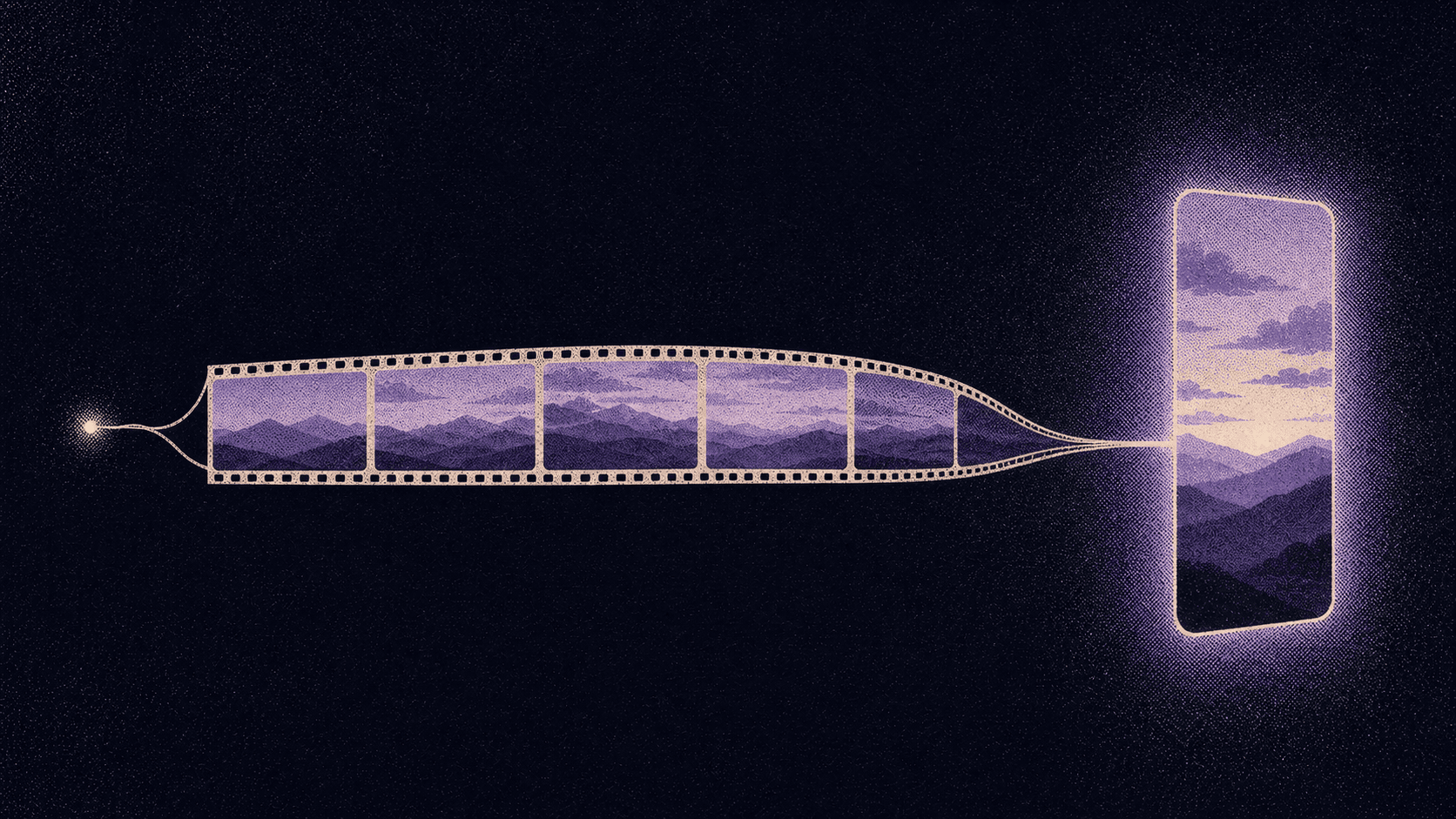
From one sentence to a video you can publish.
DaClipLab handles the production work. You keep the decisions that make the video yours.
An idea, a link, or your video
Type a topic, paste a link to a page, or record your own video. Choose the format, style, voice, and length that fit your channel.
Watch the short take shape
Follow the storyboard as DaClipLab writes, makes the pictures, narrates, animates, scores, and captions each shot, then checks it before handing it over.

Review, refine, publish
Redo only the shot that needs it, change the voice or dub the video into another language, then download it or publish to a connected channel.



Your idea
link or recording

Script
Picture, Voice, Music
Your review
Publish
YouTube, Instagram (soon), TikTok (soon), MP4
1 topic
6 languages
9:16
1080p
A production workflow, without the timeline.
Automation gets you to a complete first cut. Shot-level controls help you make it worth publishing.
Redo one piece, not everything
Adjust a shot's words, picture, voice, or motion and rebuild only the layer you changed. You can also change the voice or dub the video into another language.

A script from one idea
Start with a sentence, a link to a page, or your own recording. DaClipLab writes the hook, narration, and shot plan, and an editor reviews it.

A complete vertical video
AI video, Motion, Business promo, or Edit my video: pictures, motion, voice, captions, and music are composed into a finished 9:16 video.
A storyboard you can follow
Watch every shot move from script to picture, voice, and motion while the video is being made.
Control where it matters
Choose the visual style, the narrator (hear it first), the length, and the motion before you render.
Ready for your channels
Download the finished MP4, or publish to YouTube and Facebook after connecting your accounts.
Choose your publishing rhythm.
A standard AI video uses 22 credits. Start with 20 credits free; the create button always shows the exact cost before rendering.
Free
- 20 credits each month
- One short video
- Shot-by-shot workspace
- Finished MP4 download
- YouTube + Facebook publishing
Starter
- 150 credits each month
- About 6 standard videos
- Shot-by-shot workspace
- Finished MP4 download
- YouTube + Facebook publishing
Pro
- 400 credits each month
- About 18 standard videos
- Shot-by-shot workspace
- Finished MP4 download
- YouTube + Facebook publishing
Paid plans can be selected from Billing after you create your free account. Monthly plan balances reset on the first day of each month.
Straight answers before you render.
Credits, publishing, retries, and what you can actually control.
Something else? Write to support
How is a video's credit cost calculated?
The cost depends on the number of shots, seconds per shot, and video type. A standard 12-shot video with 5-second shots costs 22 credits, and shorter renders start at 10. DaClipLab shows the exact cost before you create it.
What does each plan include?
Free includes 20 credits, Starter 150, and Pro 400. That is roughly 6 standard AI videos on Starter and 18 on Pro; Free covers one short video. Plan balances reset to their monthly allowance on the first day of each calendar month; top-ups add credits without changing your plan.
Which platforms can I publish to?
After connecting a channel, you can publish a finished video directly to YouTube or Facebook. You can also download the vertical MP4 for TikTok or any other platform. Automated scheduling is not currently available.
What happens if a render fails or I pause it?
You only pay for videos that are delivered. If a render fails, we return the credits it cost; trying again costs the same and picks up where it stopped, without redoing finished work. Pausing and resuming does not charge again: completed work stays saved and the render continues from the next unfinished stage.
Can I change one shot without remaking the whole video?
Yes. Open any shot to edit its narration, image prompt, or motion prompt, then redo only the voice, picture, or clip for that shot. The rest of the finished work is kept.
How do I manage or cancel a paid plan?
Open Billing in DaClipLab and choose Manage subscription. That opens the secure Polar billing portal, where you can manage your subscription. Your current plan and credit balance remain visible in DaClipLab.
Do I need editing or design skills?
No. DaClipLab handles scripting, pictures, voice, motion, captions, music, and final composition. You make the creative choices, review each shot, and decide what is ready to publish.

Turn the idea you have
into the video you need.
Start with one standard video free. Review every shot, refine what matters, and download a finished vertical MP4.
Create my first video